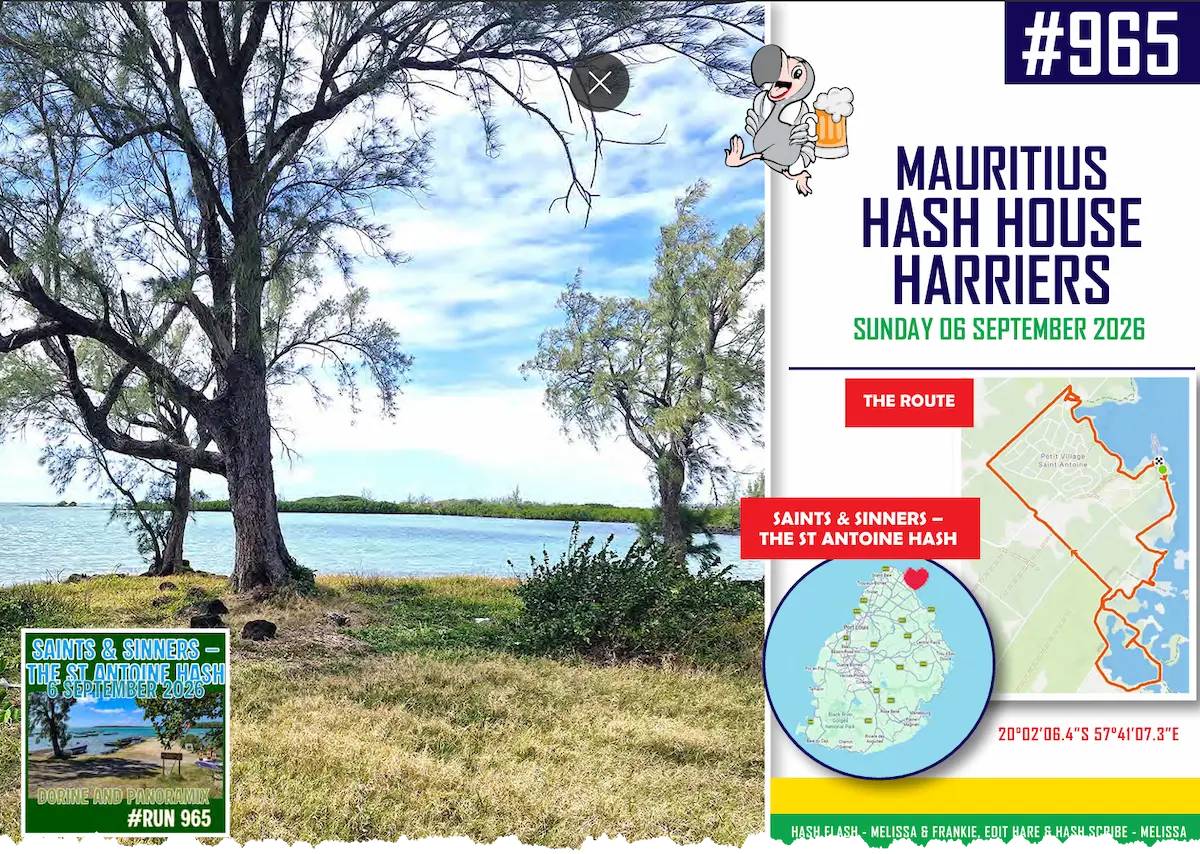
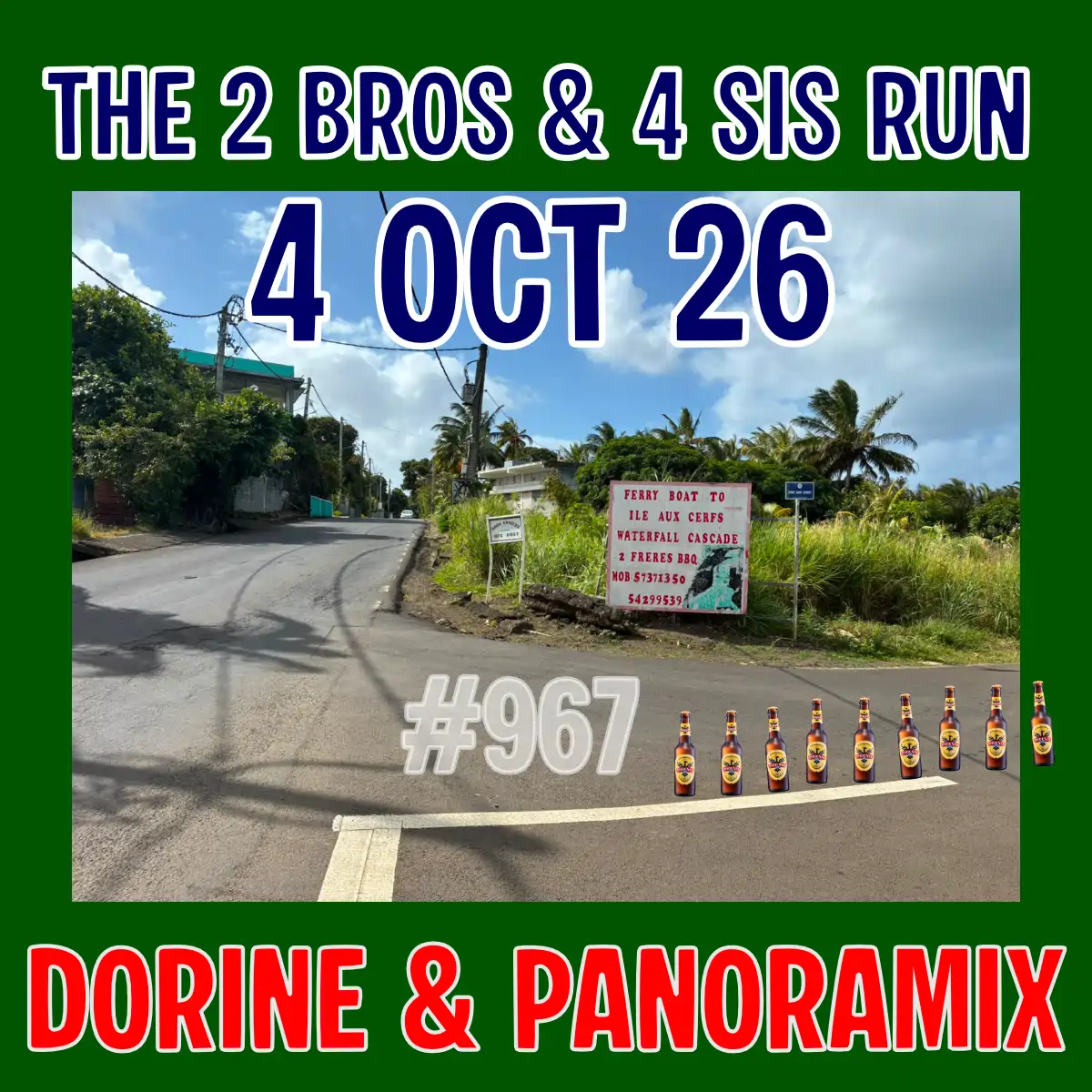
From anywhere along A3 at Cascavelle, take the coastal road towards Flic en Flac, drive for approximately 1 km, Middlesex University will be visible on your left, hash signs will guide you to the On on. For those coming from Flic en Flac the location will be on your right, follow the hash signs.
All sporty ‘Hashers’ are welcome. To help us plan for drinks (and food, if applicable), please RSVP by 12:00 PM Friday (46 hours before the event).
By joining Mauritius Hash House Harriers (MH3) events, participants waive the right to claim against MH3 or its members for any loss or injury during runs and events.
Check this page before leaving for updates (weather, etc.).
Ready to join the Hash?
Lost in Registration Wonderland? Let’s Navigate Together!
To register, complete the form. After submitting the form, you may be prompted to complete a Google Captcha (explained) verification. Follow the on-screen instructions to complete this step. Once the Captcha is successfully completed, please check your email for a message from ‘Google Forms’ titled ‘Hash Registration Form.’ This email contains a button to edit your registration, allowing you to update attendee numbers or cancel your registration. Important: Please double-check your information, as we’ve noticed some people accidentally enter absurd numbers. Keep the ‘Hash Registration Form’ email for future modifications. After receiving this email, you are officially registered, but it may take a minute for your name to show on the attendance list—refresh the page after a short wait. Note: Each time you update your registration, you’ll receive a new email with the same subject; retain only the latest one for future changes.
If you don’t see the email, check your spam or junk folder.
Lost in Registration Wonderland? Let’s Navigate Together!
To register, complete the form. After submitting the form, you may be prompted to complete a Google Captcha (explained) verification. Follow the on-screen instructions to complete this step. Once the Captcha is successfully completed, please check your email for a message from ‘Google Forms’ titled ‘Hash Registration Form.’ This email contains a button to edit your registration, allowing you to update attendee numbers or cancel your registration. Important: Please double-check your information, as we’ve noticed some people accidentally enter absurd numbers. Keep the ‘Hash Registration Form’ email for future modifications. After receiving this email, you are officially registered, but it may take a minute for your name to show on the attendance list—refresh the page after a short wait. Note: Each time you update your registration, you’ll receive a new email with the same subject; retain only the latest one for future changes.
If you don’t see the email, check your spam or junk folder.